The short answer: better desk posture comes from a setup that fits your body, plus small habits repeated through the day — feet supported, screen at eye level, shoulders relaxed, and a short movement break every 30 to 60 minutes. You do not need an expensive chair or a standing desk to start. A few adjustments to the chair, screen, and keyboard you already have, plus a routine of standing and stretching, will usually make a desk day feel noticeably more comfortable.
Posture is not about sitting perfectly still like a statue. In fact, staying in any one position for hours is part of the problem. The goal is a neutral, supported position that you can vary: sit well, stand up often, walk around, and shift position when you notice stiffness. The U.S. Occupational Safety and Health Administration (OSHA) publishes general workstation guidance along these lines — adjust the workstation to the worker, keep joints near their neutral positions, and take regular breaks from repetitive tasks. This article turns that guidance into a practical daily routine.
Set Up Your Desk in 10 Minutes
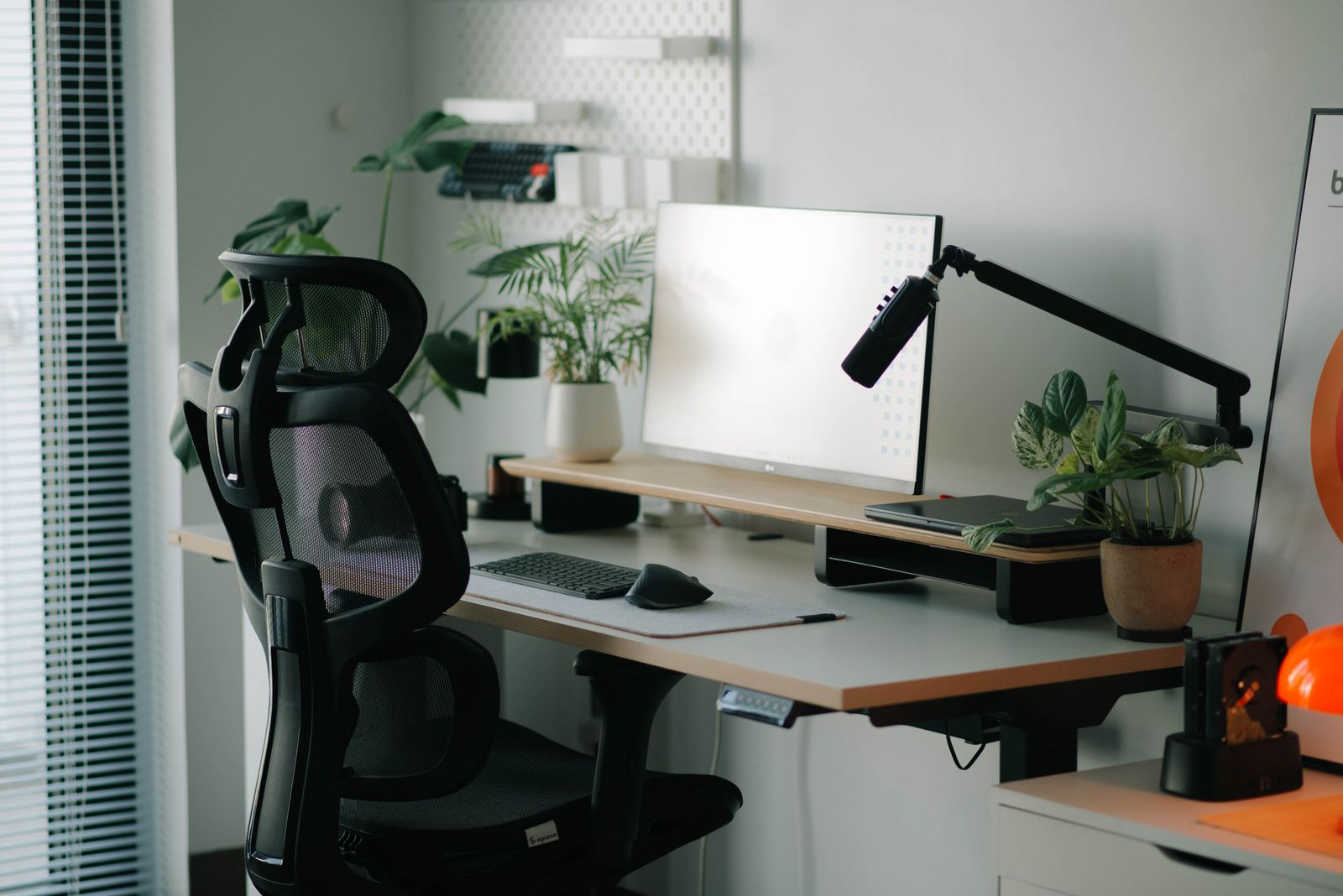
Start with your chair. Sit with your feet flat on the floor (or on a footrest if they do not reach) and your knees roughly level with or slightly below your hips. Your lower back should touch the chair's backrest; if there is a gap, a small rolled towel or cushion behind your lower back can fill it. Armrests, if you have them, should let your shoulders rest naturally rather than pushing them up toward your ears.
Next, the screen. The top of the screen should sit at about eye level, roughly an arm's length away. A laptop on a stack of books with a separate keyboard and mouse achieves this cheaply — a laptop flat on a desk forces you to look down all day, which is one of the most common causes of neck stiffness. The keyboard and mouse should sit so your elbows stay near a right angle and your wrists stay fairly straight, not bent up or down. If you type for long stretches, a wrist rest is optional; relaxed shoulders matter more than any accessory. Our guide to a daily stretching routine for desk workers pairs well with this setup, giving your neck, shoulders, and hips a 10-minute reset.
Daily Habits That Protect Your Posture
Once the setup is right, habits do the rest. First, use a simple timer rule: every 30 to 60 minutes, stand up, walk to get water, or do a minute of shoulder rolls and neck stretches. The Centers for Disease Control and Prevention (CDC) generally encourages adults to break up long periods of sitting with movement, and short walks also support overall activity — see our guide to walking for health and how to start for an easy way to build that into your day.
Second, check in with your shoulders. Stress and concentration tend to pull them upward without you noticing. A quick habit — drop your shoulders, unclench your jaw, and take two slow breaths — resets tension several times a day. Third, change position on purpose: sit for a while, stand for a phone call, walk during a break. Variety is the point. Fourth, keep frequently used items close. Reaching repeatedly across a desk for a phone or a file twists the upper body dozens of times a day; moving those items within easy reach removes that strain.
Common Desk Posture Problems and Simple Fixes
The head-forward slump. Hours of looking down at a phone or a low screen pull the head forward of the shoulders. Fix the screen height first, then practice a gentle chin tuck a few times a day: draw the chin straight back, as if making a double chin, hold for a few seconds, and release. Keep it gentle — this is a stretch, not a forceful exercise.
Rounded shoulders. Typing with arms reaching forward rounds the shoulders over time. Bring the keyboard closer, keep elbows near your sides, and add a simple doorway-style chest stretch: forearms on a doorframe, step gently forward until you feel a stretch across the chest, hold for 20 to 30 seconds.
Lower-back ache after long sitting. Often this is less about posture and more about time: any chair gets uncomfortable after hours without a break. Standing, walking, and changing position regularly usually help more than searching for a perfect chair. If discomfort is persistent, sharp, or accompanied by numbness or weakness, that is a reason to talk to a qualified health professional rather than trying to stretch through it.
Phone neck. Holding a phone in your lap for long periods bends the neck sharply. Raise the phone to eye level when reading or watching, and keep phone sessions shorter where possible.
Strength and Flexibility Support the Whole System
Posture is not only about how you sit; it is also about the muscles that hold you up. Gentle core and back strength, built gradually, supports an upright position with less effort. Body-weight routines are a good place to start — our guide to strength training for beginners at home covers a 20-minute session with no gym needed. Flexibility matters too: tight hip flexors from long sitting and tight chest muscles from typing both pull posture out of alignment, which is why the stretching routine and the posture habits in this article work best together.
Sleep plays a supporting role as well. Muscles recover overnight, and a poor night's sleep can leave you stiffer and more slumped the next day. If your schedule makes sleep irregular, our guide to sleeping better when your schedule keeps changing offers practical ideas that fit around shift work and changing hours.
What About Ergonomic Accessories?
Shops sell a long list of ergonomic accessories — special keyboards, vertical mice, lumbar rolls, monitor arms, and footrests. Most of them are optional. The free adjustments in this article (chair height, screen height, keyboard position, and regular breaks) deliver most of the benefit. An accessory earns its place only when it solves a specific problem you actually have: a footrest if your feet do not reach the floor, a monitor arm if your screen cannot sit at eye level any other way, or a separate keyboard and mouse if you work on a laptop. Buy one item at a time, use it for a week, and keep it only if your comfort clearly improves. A drawer full of unused gadgets has never fixed anyone's posture.
Frequently Asked Questions
Do I need a standing desk? Not necessarily. Standing desks help some people because they encourage position changes, but standing all day brings its own strain. If you have one, alternate sitting and standing. If you do not, regular standing breaks give you much of the same benefit.
Is "perfect posture" real? No single position is correct for everyone, all day. The research-informed view is that comfortable, varied, supported positions — changed often — matter more than one rigid ideal. If a position feels comfortable and lets you move freely, it is probably fine.
How long until I notice a difference? Screen-height and chair adjustments can feel better within a day or two. Habit changes — regular breaks, shoulder resets, daily stretching — usually take a couple of weeks to feel automatic. Be patient and consistent rather than chasing an overnight fix.
A Simple Daily Desk Routine
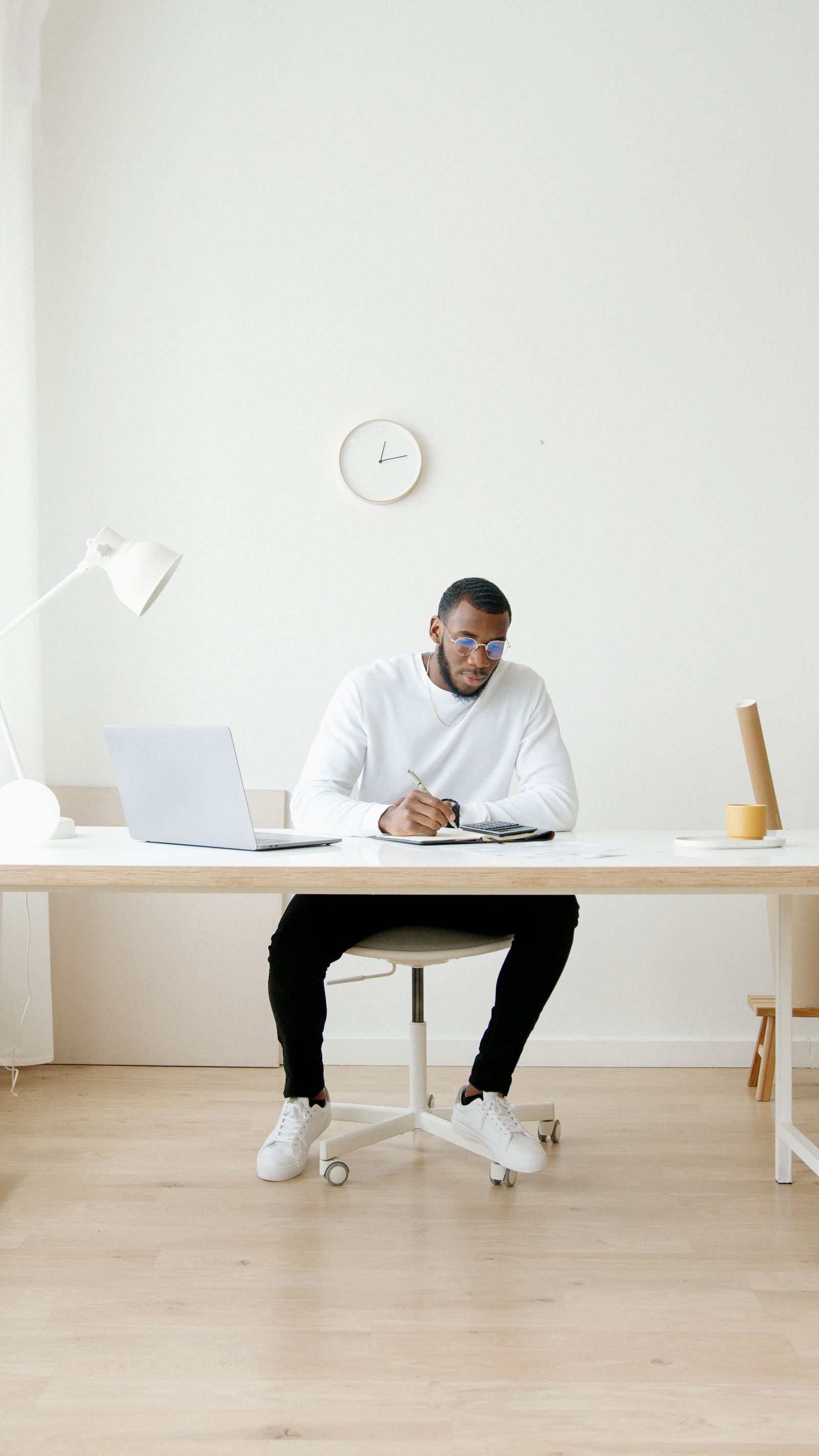
Here is a routine you can follow without thinking about it. Morning: adjust your chair and screen before you start work, and do two minutes of shoulder rolls and neck stretches. Mid-morning: stand and walk for a few minutes, refill your water, and reset your shoulders. Lunch: get away from the desk if you can — even a short walk after eating helps, as our guide to walking after meals explains. Afternoon: repeat the morning stretch, check your screen height again (chairs and monitors drift), and finish the day with a brief stretch before you leave the desk.
Good desk posture is a system, not a single trick: a setup that fits you, movement breaks through the day, a little strength and stretching, and attention to the small habits — shoulders down, screen up, phone at eye level — that quietly shape how you sit. Start with the screen height today; it is the single change most desk workers feel fastest.
Disclaimer: This article is for general information only and is not medical advice. Talk to a qualified health professional about your own situation.



0 Comments
Play nice — spam and promo links are deleted.